
Compress Images. Optimize Videos. Remove Backgrounds.
Compress images, remove backgrounds, and optimize videos with fast, secure, and high-quality online tools.
2M+
Files Compressed







Powerful. Simple. Effective.
All Formats Supported
JPEG, PNG, Webp & More
Our Powerful Tools
Everything You Need to Optimize Media.
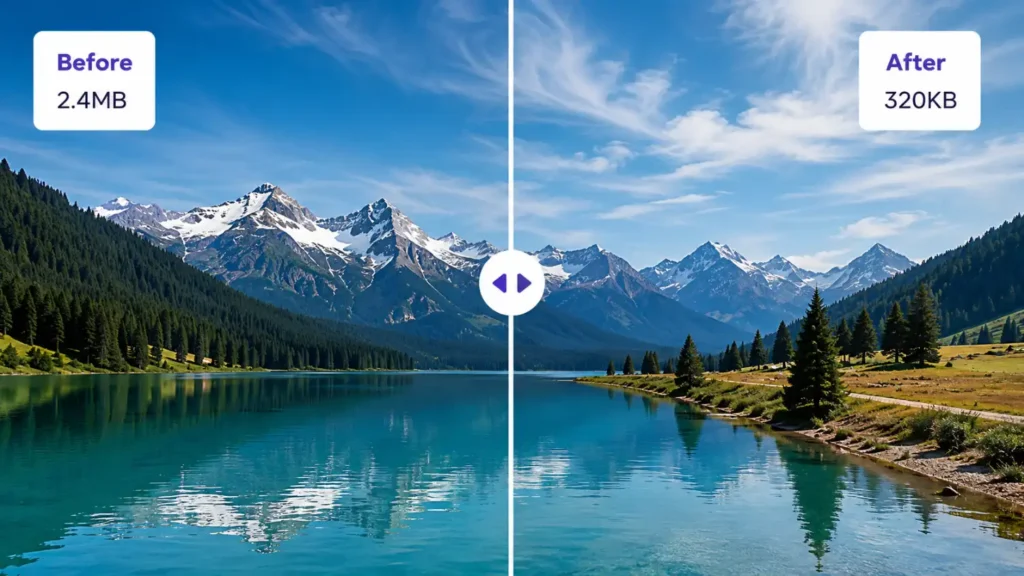
Video Compressor
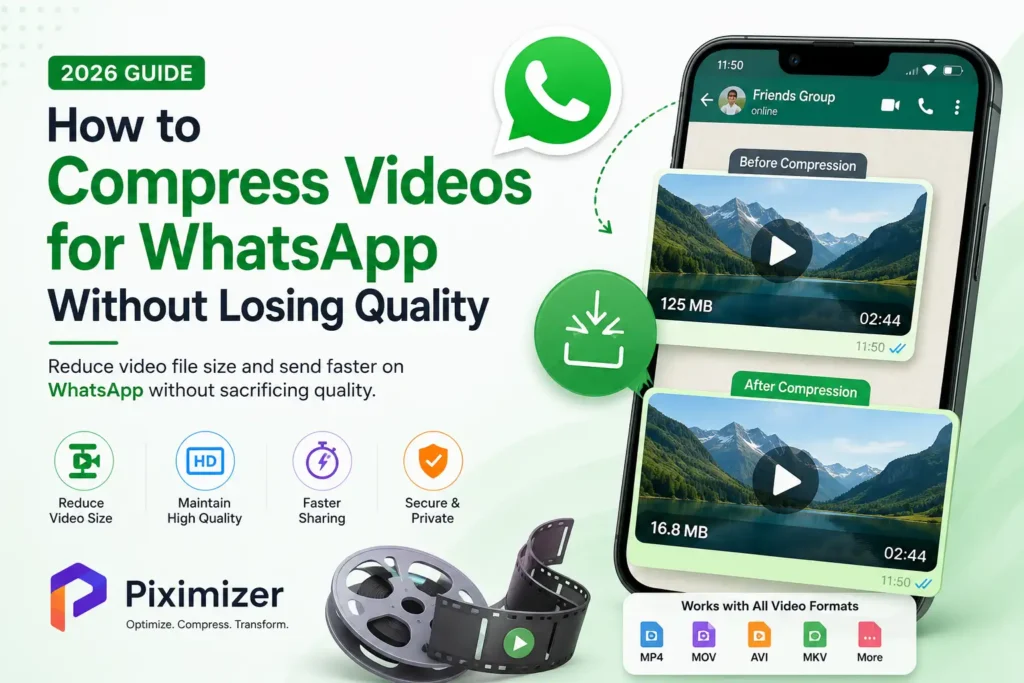
Compress MP4, MOV, AVI, and WebM videos for faster uploads and reduced storage usage.
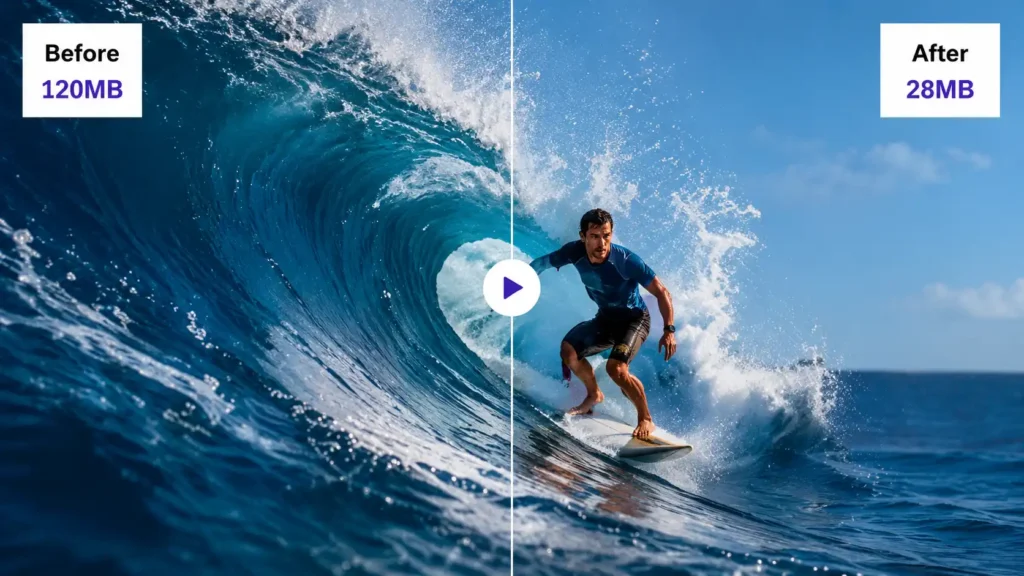
Background Remover
Remove backgrounds instantly for product photos, profile pictures and social media.

50K+
Happy Users
2M+
Images Compressed
98%
Size Reduction
99.9%
Uptime
How It Works
Optimize Files in Just Three Steps.
Upload Image
Drag & drop your image or click to browse files.
Choose Settings
Select compression level and output format.
Download Result
Download your compressed image instantly.
Perfect for Every Workflow .
Powerful optimization tools designed for creators, developers, marketers, photographers, businesses, and everyday users.
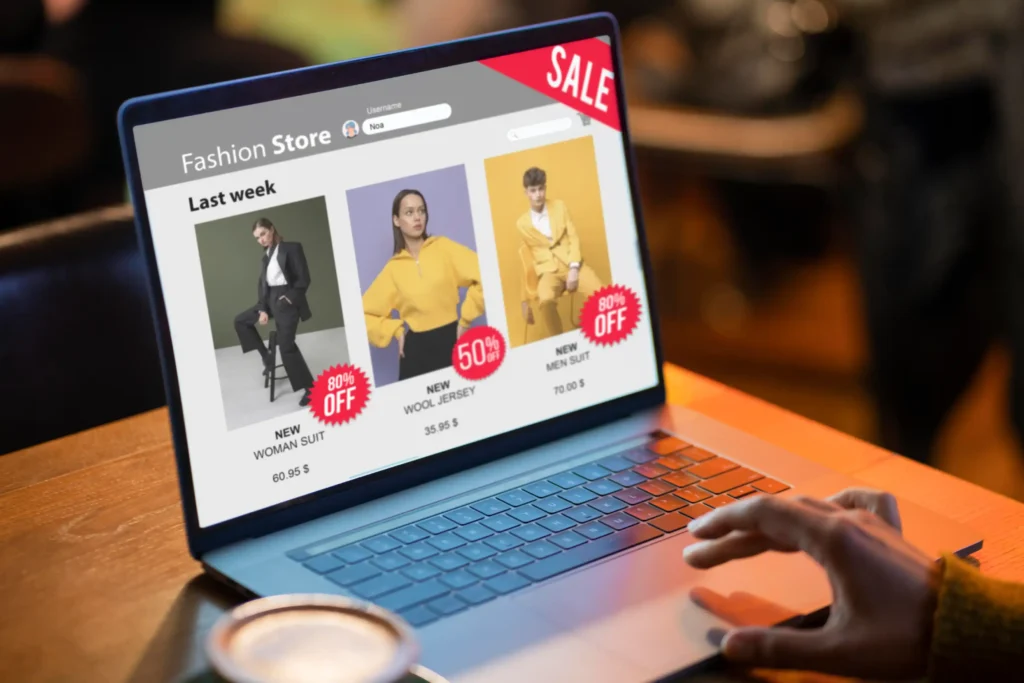
ECommerce
Optimize product images.
Developers
Improve website speed.
Photographers
Reduce storage without losing quality.

Designers
Create transparent PNG images.
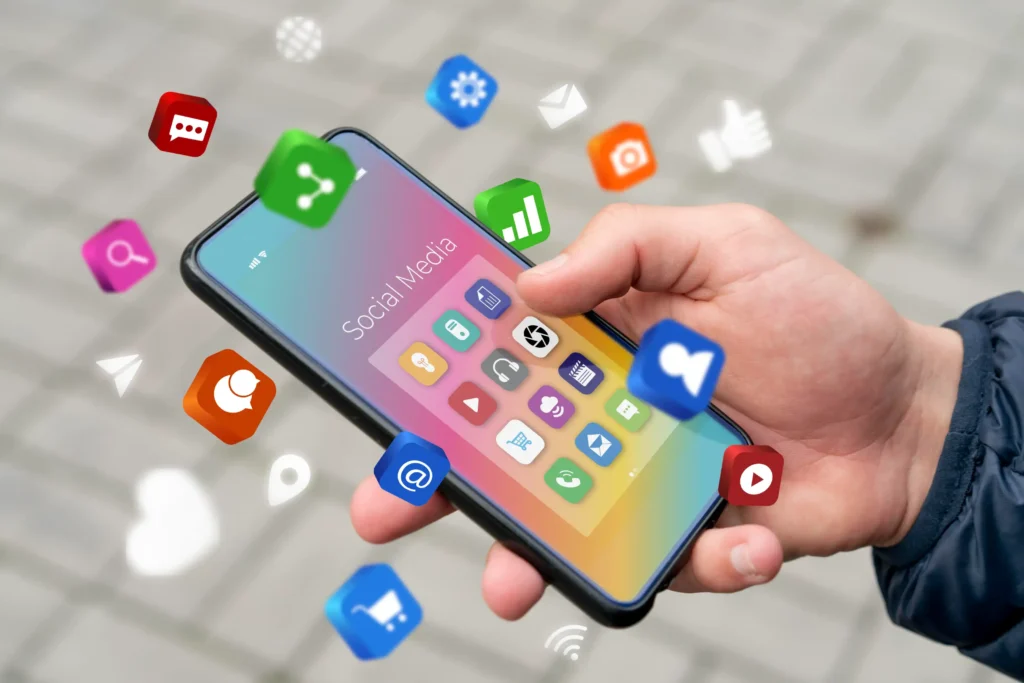
Social Media
Optimize content for social platform.

Students
Reduce file sizes before submission.

Web Agencies
Deliver high-performance websites.

Travelers
Free up device storage with ease.
Explore Our Latest Blogs.
Stay updated with the latest tutorials, optimization techniques, and best practices for compressing images, videos, and improving digital workflows.
Loved by Thousands of Happy Users.
See why creators, businesses, developers, and photographers trust Piximizer to compress images, optimize videos, and remove backgrounds quickly without compromising quality.
"Piximizer has become my go-to image compression tool. I reduced hundreds of product images without any noticeable quality loss, and my website loads much faster now."
Faq's
Frequently Asked Questions.
Everything you need to know about Piximizer tools, file security, formats, and how we help you optimize better.
Yes! Piximizer offers free online tools for image compression, video compression, and background removal. You can upload your files, optimize them, and download the results instantly without any cost.
No. Piximizer is designed to reduce file size while preserving excellent visual quality. You can also choose a custom target size to balance quality and compression.
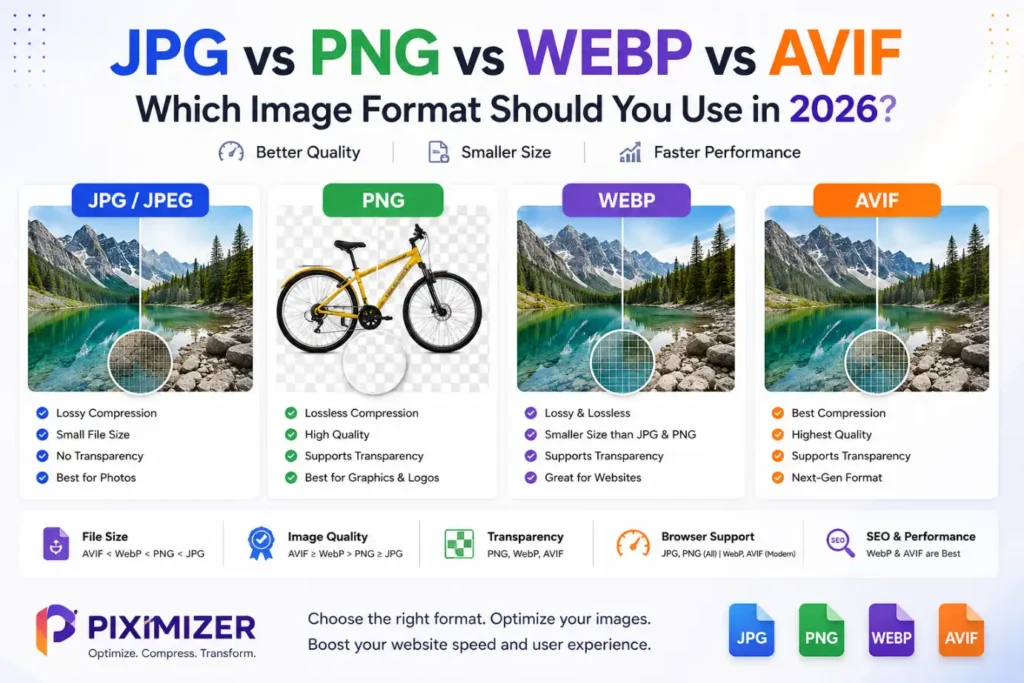
Piximizer supports popular image formats including JPG, JPEG, PNG, WebP, AVIF, GIF, BMP, SVG, and more.
Our Video Compressor supports MP4, MOV, AVI, MKV, WebM, WMV, MPEG, and other widely used video formats.
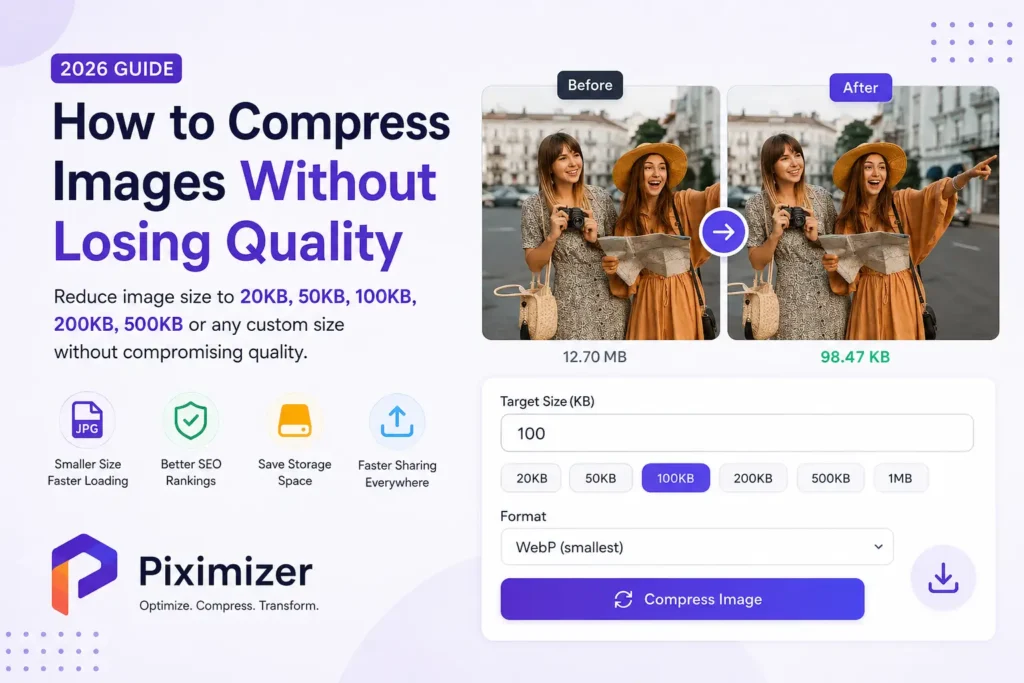
Yes. Piximizer lets you compress images to custom target sizes such as 20KB, 50KB, 100KB, 200KB, 500KB, 1MB, or any size you need.
Yes. Piximizer optimizes video files using efficient compression methods that significantly reduce file size while maintaining excellent playback quality.
Yes. Simply upload your image, and Piximizer automatically detects and removes the background in seconds. You can then download the result with a transparent background.
Yes. Your files are processed securely, and we do not use your uploads for any other purpose. Your privacy is important to us.
No. Piximizer works entirely in your web browser. There are no downloads, installations, or account registrations required.
Yes. Piximizer is fully responsive and works on desktops, laptops, tablets, Android phones, and iPhones.

Ready to Optimize Your Files?
Compress images, reduce video sizes, and remove backgrounds with fast, secure, browser-based tools designed for creators and businesses.